Indirect Demand
Indirect demand is demand for a part that is not directly ordered by customers, but is derived from the Bill of Materials (BOM) of a higher-level assembly or from a maintenance event. When a forecast exists for a parent item, the BOM explosion calculates how much of each child component is needed.
Table of Contents
- Overview
- Direct vs Indirect Demand
- How Indirect Demand is Computed
- BOM Configuration
- Viewing Indirect Demand
- Indirect Demand in Netting
- Indirect Demand in MEIO
- Indirect Demand in Allocation
- Alerting on Indirect Demand
- Troubleshooting
Overview
In a multi-echelon supply chain, many items are never ordered directly by end customers. Instead, their demand is derived from the demand for parent items that contain them. For example, a warehouse may never receive a customer order for a chainring — but when customers order crankset assemblies, each assembly requires a chainring, and the chainring demand must be planned.
Mirabelle computes indirect demand in two streams:
| Stream | Source | Description |
|---|---|---|
| Network | Transfer routes | Demand at the source item/location that replenishes this series via the supply network (e.g. central warehouse → country warehouse → retail) |
| Kit/Make | BOM relationships | Demand driven by kits or make orders that consume this component (multi-level BOM explosion) |
Both streams are computed by the indirect-demand pipeline step and stored in the PIPE_indirect_demand ClickHouse table. The total indirect demand for a series is the sum of both streams.
Figure: how indirect demand is derived from parent forecasts via BOM explosion and supply-network rollup.
flowchart TD
  A["Parent item forecast (direct demand)"] --> B["BOM explosion: child_qty × attach_rate × parent_forecast"]
  A --> C["Supply-network rollup: retail → country → central"]
  B --> D["kit_make stream"]
  C --> E["network stream"]
  D --> F["PIPE_indirect_demand"]
  E --> F
  F --> G["Total demand = direct + indirect"]
  G --> H["Feeds netting, MEIO, allocation"]
Direct vs Indirect Demand
| Direct Demand | Indirect Demand | |
|---|---|---|
| Source | Customer orders / consumption history for the item itself | Derived from parent-item demand via BOM or supply-network relationships |
| Visibility | Appears in master.demand_actuals as order lines |
Computed by the indirect-demand pipeline step |
| Planning | Drives the statistical forecast directly | Added to the forecast during netting |
Total demand = direct demand + indirect demand
Figure: where direct and indirect demand originate and how they combine into total demand.
flowchart LR
  A["Customer orders"] --> D["Direct demand"]
  B["Parent forecast + BOM"] --> E["Indirect demand (kit_make)"]
  C["Transfer routes rollup"] --> F["Indirect demand (network)"]
  E --> G["Total demand"]
  F --> G
  D --> G
G --> H["Netting → MEIO → Allocation"]Example
Crankset Assembly (parent)  →  direct forecast: 100 units/week
  ├── Chainring             →  indirect demand: 100 × 1 = 100 units/week
  ├── Bottom Bracket        →  indirect demand: 100 × 1 = 100 units/week
  └── Crank Arm             →  indirect demand: 100 × 2 = 200 units/week
The chainring, bottom bracket, and crank arm each also have their own direct demand (e.g. spare-part sales), so their total demand is the sum of direct and indirect.
How Indirect Demand is Computed
The indirect-demand pipeline step runs after forecasting. It is implemented in indirect.indirect_demand.run_and_store(), which performs multi-level iterative propagation across the supply network and recursive BOM explosion.
Computation Steps
- Collect parent forecasts — for each item with a BOM, the engine takes the parent's forecast (direct demand) from the pipeline output.
- Explode the BOM — for each parent-child edge, compute:
child_qty = qty_per_parent × attach_rate × parent_forecast. - Propagate through the supply network — demand rolls up from retail → country warehouse → central warehouse so every upstream node sees the correct aggregated downstream demand. This is an iterative process that repeats until convergence (no further changes between passes).
- Aggregate — sum by
(child_item, site, week)into two streams (networkandkit_make). - Update
indirect_demand_rate— after storing, each item'sindirect_demand_ratefield inmaster.itemis updated with the fraction of total dates that have non-zero indirect demand.
API Endpoints
| Method | Endpoint | Description |
|---|---|---|
POST |
/api/indirect/compute |
Trigger on-demand recomputation of both indirect demand streams for the current tenant. Returns rows_stored counts per stream. |
GET |
/api/series/{uid}/indirect |
Retrieve pre-computed indirect demand for a series. Returns two time-series streams and totals. |
POST /api/indirect/compute — Response
GET /api/series/{uid}/indirect — Response
{
  "unique_id": "ITEM001_SITE001",
  "has_indirect": true,
  "needs_compute": false,
  "item_indirect_demand_rate": 0.65,
  "network": {
    "dates": ["2026-01-05", "2026-01-12", "..."],
    "values": [12.5, 15.0, "..."]
  },
  "kit_make": {
    "dates": ["2026-01-05", "2026-01-12", "..."],
    "values": [8.0, 9.5, "..."]
  },
  "network_total": 1234.5,
  "kit_make_total": 567.8,
  "indirect_total": 1802.3
}
When to recompute
Run POST /api/indirect/compute after any change to BOM edges, supply routes, or parent-item forecasts. The MEIO pre-flight check (check_2_indirect_demand) flags items with missing indirect demand and suggests running the pipeline.
BOM Configuration
BOMs define the parent-child relationships that drive indirect demand. BOMs are managed in the Causal module (see Causal Forecasting for the full Causal workflow).
BOM Edge Definition
Each BOM edge links a parent item to a child item with the following attributes:
| Field | Description |
|---|---|
parent_item |
The assembly or kit that contains the child |
child_item |
The component consumed when the parent is demanded |
child_qty |
Quantity of the child per parent (default 1.0) |
item_qty |
Quantity of the parent in the parent assembly (default 1.0) |
attach_rate |
Probability (0–1) that the child is actually consumed. An attach rate of 0.8 means 80% of parent orders require this child |
effective dates |
Start and end dates defining when the BOM edge is active |
A parent can have multiple children; a child can appear in multiple parents. When a child appears in multiple parents, its indirect demand is the sum across all parent contributions.
Supply-Planning BOM vs Causal BOM
Mirabelle uses two BOM tables for different purposes:
| Table | Purpose | API |
|---|---|---|
master.bill_of_material |
Supply-planning BOM — drives indirect-demand kit/make stream and supply explosion |
GET/POST/PUT/DELETE /api/causal/bom |
master.causal_bom |
Causal forecasting BOM — defines parts consumed per maintenance event on an asset type | GET/POST/DELETE /api/causal/bom |
Both tables feed into indirect demand calculation, but through different paths. The supply-planning BOM drives the kit_make stream; the causal BOM drives the causal forecast which in turn generates indirect demand for child parts.
Managing BOM Edges via API
| Method | Endpoint | Description |
|---|---|---|
GET |
/api/causal/bom?asset_type_id={id} |
List BOM lines, optionally filtered by asset type |
POST |
/api/causal/bom |
Upsert a BOM line (DELETE+INSERT on unique key) |
PUT |
/api/causal/bom/{bom_id} |
Update an existing BOM line |
DELETE |
/api/causal/bom/{bom_id} |
Delete a BOM line |
GET |
/api/causal/bom/explosion |
Full multi-level BOM explosion |
After BOM changes
Always run POST /api/indirect/compute after modifying BOM edges, otherwise the indirect demand figures will be stale.
Viewing Indirect Demand
Time Series Viewer — Netting Tab
In the Time Series Viewer, the Netting tab shows how indirect demand adds to total demand. When a series has indirect demand, an expandable section appears showing the two streams:
- Network — transfer-route rollup demand at the source location
- Kit/Make — BOM-driven demand from parent assemblies
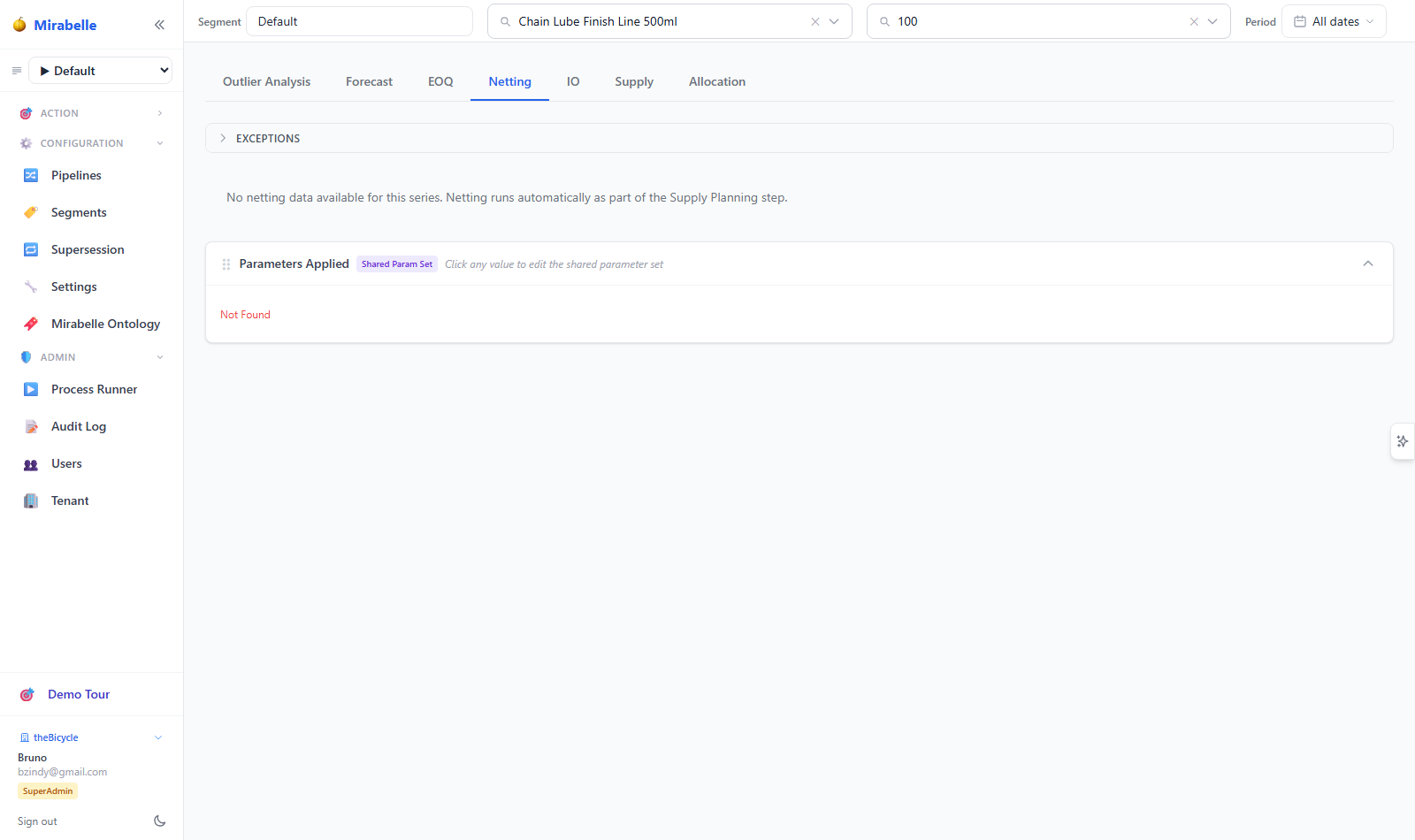
The section auto-expands when indirect demand data is available. Each stream is displayed as a row of weekly values aligned with the netting table, allowing direct comparison of direct vs indirect contributions.
Dashboard — Item Table
On the Dashboard, the item table includes three columns related to indirect demand:
| Column | Description |
|---|---|
| Ind. Net | Indirect demand via supply network (12-month total) |
| Ind. BOM | Indirect demand via BOM kits (12-month total) |
| Total | Total demand (direct + indirect) |
These columns allow quick identification of items whose demand is predominantly indirect.
API
Retrieve computed indirect demand for any series:
The response includes has_indirect (boolean), needs_compute (boolean flag indicating the series is expected to have indirect demand but has not yet been computed), and the two time-series streams with their totals.
Indirect Demand in Netting
The netting step combines direct forecast + indirect demand + firm orders to produce the net demand signal that feeds supply planning. See Supply Planning > Netting for the full netting workflow.
How Netting Incorporates Indirect Demand
Netting operates on PIPE_forecast_netting, which stores per-week quantities. Indirect demand is added to the netting total after the direct forecast is consumed by firm orders and returns:
Netting Direction
The netting_direction parameter (forward or backward) controls whether firm orders consume from the nearest future forecast period forward or from the most distant period backward. This parameter applies to the consumption of direct forecast; indirect demand is added after consumption.
| Direction | Behaviour |
|---|---|
forward |
Firm orders consume the nearest future forecast first, then move forward |
backward |
Firm orders consume the most distant future forecast first, then move backward |
Configure netting direction in the forecast parameter set's netting.direction key (Settings → Forecast Parameters → Netting section).
Indirect Demand in MEIO
MEIO (Multi-Echelon Inventory Optimisation) considers total demand (direct + indirect) when computing safety stock. See MEIO for the full MEIO workflow.
Impact on Safety Stock
Items with high indirect demand may require higher safety stock buffers because:
- Indirect demand is derived from multiple parent items, amplifying variability
- BOM-driven demand can be lumpier than direct demand (entire batches consumed at once)
- The
indirect_demand_ratefield onmaster.itemis used by MEIO to weight the demand rate calculation
MEIO Pre-flight Check
The MEIO scenario runner includes a pre-flight check (check_2_indirect_demand) that verifies:
- How many items have BOM relationships
- How many of those have computed indirect demand
- How many are missing indirect demand rows
If missing indirect demand is detected, the MEIO scenario page displays a warning:
Some routable items have no indirect demand rows. Run the indirect demand pipeline first.
Run POST /api/indirect/compute to resolve this before running MEIO.
Indirect Demand in Allocation
The allocation engine treats indirect demand like any other demand. See Allocation for the full allocation workflow.
How Indirect Demand Enters Allocation
After netting, the net demand (which includes indirect demand) flows into PIPE_forecast_netting.supply_plan_qty. The allocation engine reads this quantity as its demand input. There is no special handling for BOM-driven demand vs customer demand at the allocation level.
Priority Scoring
Indirect demand may differ from customer demand in priority scoring if the originating parent item has different business weights (strategic, revenue, criticality). Since the composite allocation score is computed per demand line:
total_score = priority + aging + lateness
            + strategic + revenue + criticality
            − routing_penalty − fairness_penalty − reservation_penalty
An item whose demand is predominantly BOM-driven (indirect) may have lower or higher priority depending on the parent's item-level weights. Review the master.item fields strategic_weight, revenue_weight, and criticality_weight to understand the scoring.
Alerting on Indirect Demand
The alert ontology includes a rule that flags items with indirect demand. See Alert Engine for the full alert system.
| Rule Name | Display Name | Condition | Severity |
|---|---|---|---|
indirect_demand |
Indirect Demand | indirect_demand_rate > 0 |
medium |
This rule triggers for any item whose indirect_demand_rate (stored on master.item) is greater than zero, meaning the item appears as a child in at least one BOM or supply network relationship.
Querying
Use natural language queries like "items with indirect demand" or "BOM-driven parts" to find these items via the alert engine's TF-IDF or LLM parser.
To customise the threshold, navigate to Admin → Alert Rules and edit the indirect_demand rule. Reseeding the ontology resets it to the default.
Troubleshooting
"No indirect demand" for an item that should have it
Check the following:
- BOM exists — verify the item appears as a
child_item_idinmaster.bill_of_materialormaster.causal_bom. Use the API:GET /api/causal/bomto list all BOM edges. - Parent has forecast — indirect demand is only generated when the parent item has a forecast. If the parent's forecast is zero, no indirect demand propagates to children.
- Pipeline has run — the
indirect-demandstep must have executed after the forecasting step. RunPOST /api/indirect/computeto trigger computation. - Site is upstream — retail leaf sites never appear as source sites in supply orders and will not have indirect demand rows. The
needs_computeflag in the API response correctly suppresses this for leaf sites.
"Indirect demand too high"
- Check
qty_per_parent— a BOM edge withchild_qty = 100where the true quantity is 1 will multiply the parent forecast by 100×. UseGET /api/causal/bomto inspect edge quantities. - Unit mismatch — ensure the parent and child use the same unit of measure. If the parent is in "eaches" and the child in "boxes of 100", the
child_qtymust reflect the conversion. - Attach rate — an
attach_rateof 1.0 means every parent order consumes the child. If the true probability is lower (e.g. 0.3 for optional components), update the BOM edge. - Double-counting — if a child appears in multiple BOM edges, all contributions are summed. Verify there are no duplicate edges.
Checking the I/O Network
The I/O network endpoint shows all parent-child and transfer relationships for a series:
This returns:
- Edges — parent → child links with type
bom, includingchild_qty,item_qty, andattach_rate - Transfer routes — source → destination links with type
transfer
Use this to inspect the full demand propagation graph and identify where indirect demand originates.
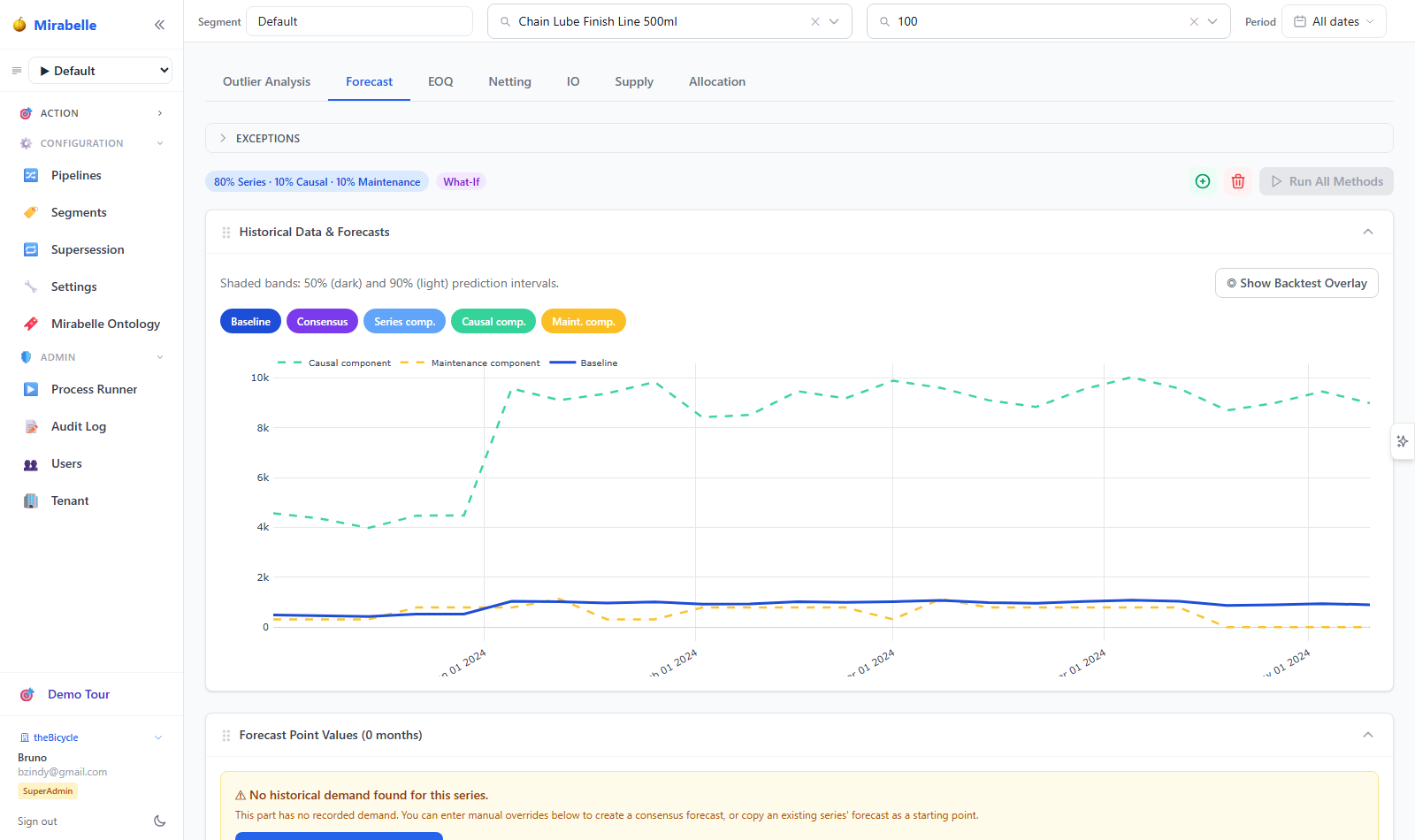
Stale indirect demand
If BOM edges or forecasts have changed since the last indirect-demand run, the stored values are stale. Re-run:
The response includes row counts per stream so you can verify the computation produced results.
MEIO pre-flight warnings
If the MEIO scenario page shows "missing indirect demand", it means some routable/BOM SKUs have no rows in PIPE_indirect_demand. Resolve by running the indirect demand pipeline before MEIO.