Mirabelle AI Assistant
Overview
Mirabelle is a conversational APS (Advanced Planning & Scheduling) assistant built directly into the ForecastAI/Mirabelle application. It translates natural-language questions into read-only ClickHouse queries, renders the results as charts, tables, or KPI cards, and provides a business-friendly explanation — all within a side panel that stays available while you work.
Opening the panel
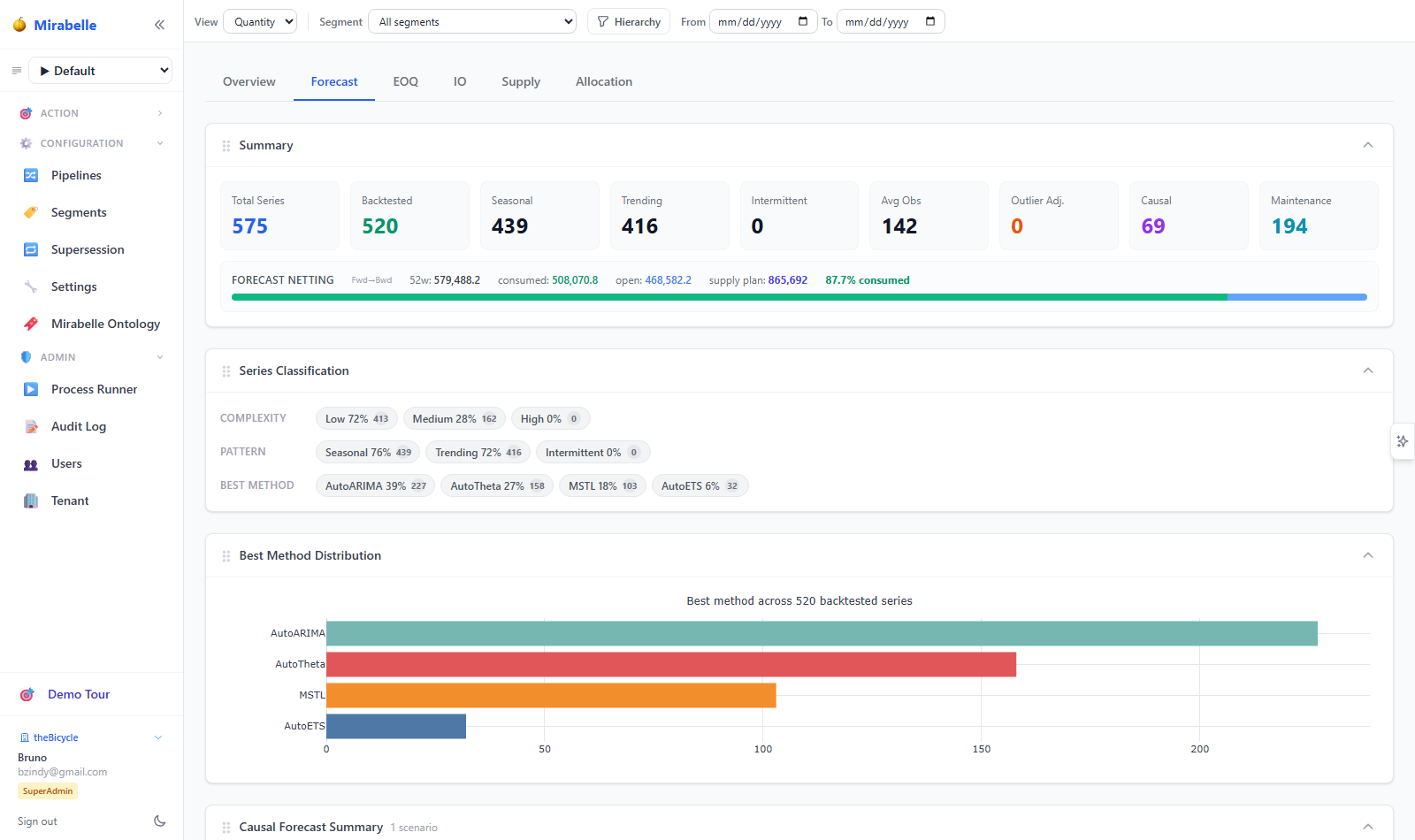
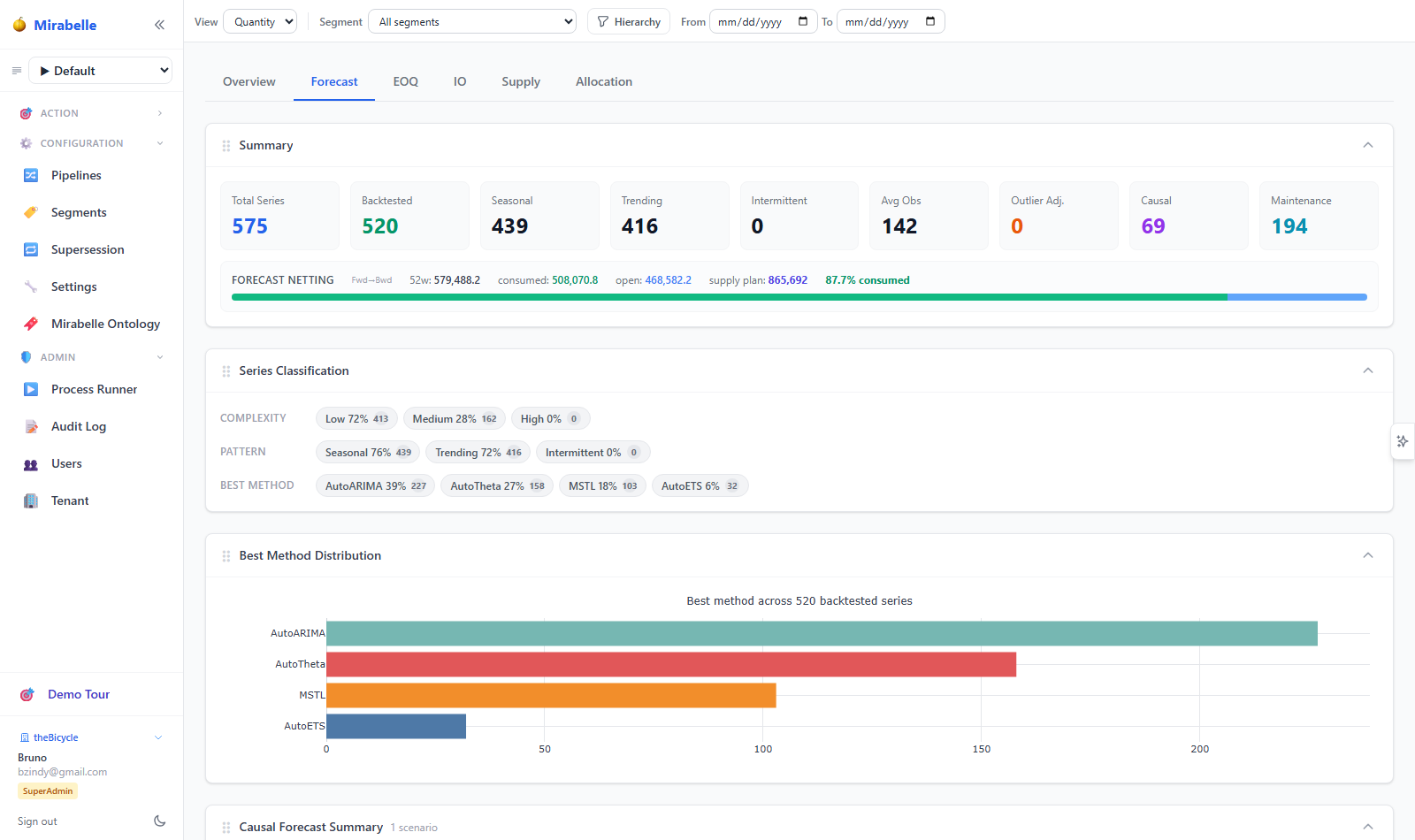
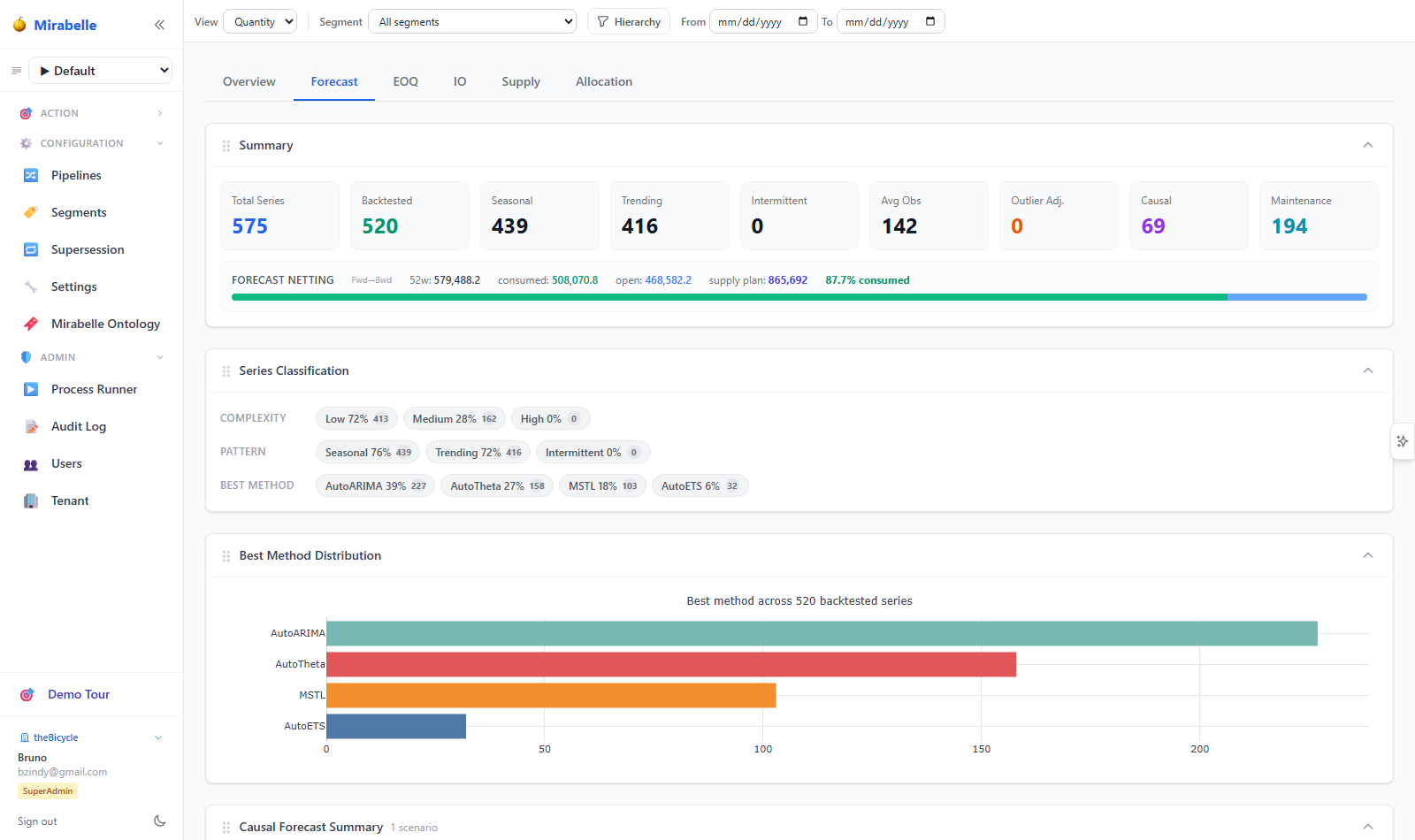
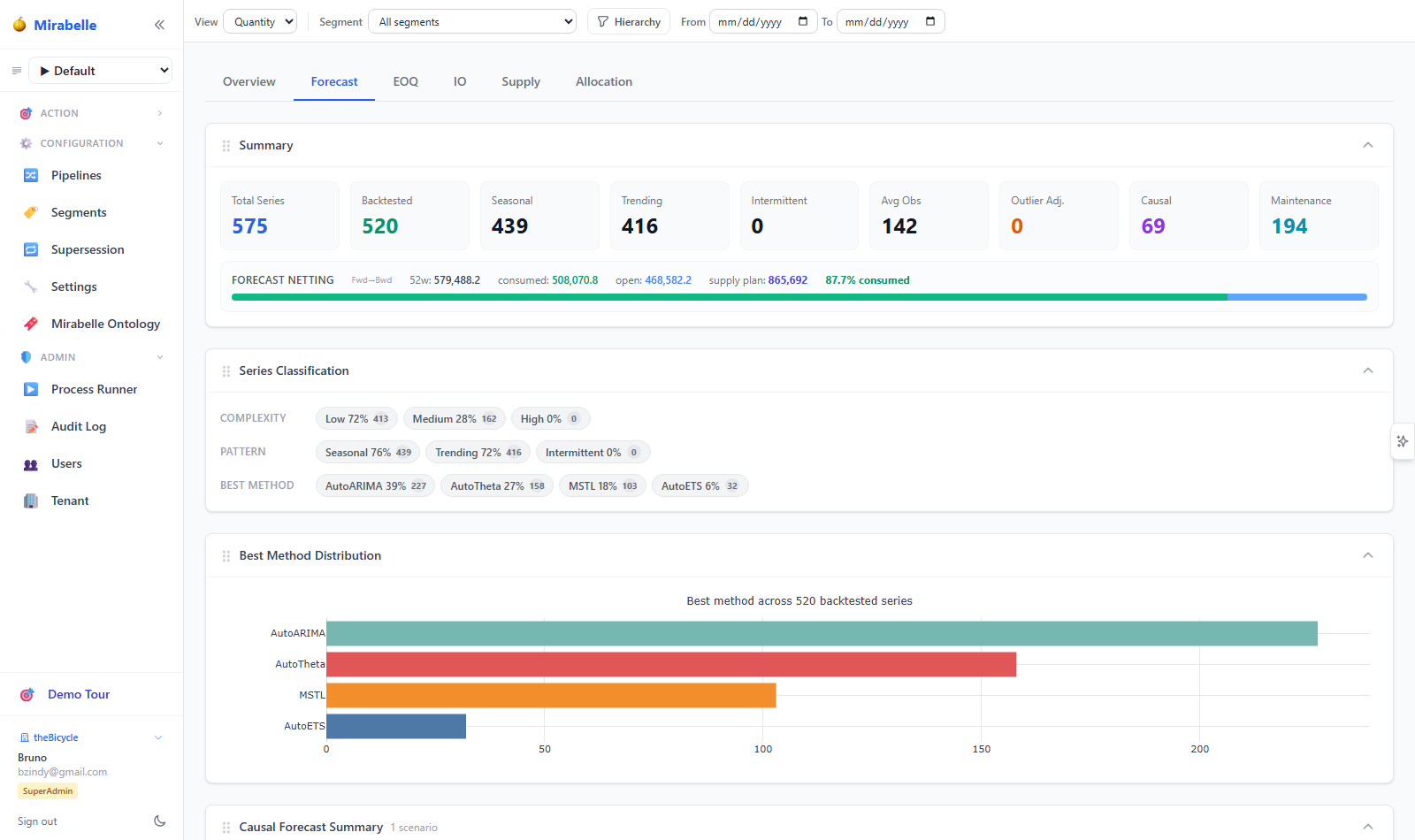
Click the  sparkle button on the right edge of the screen. The panel slides in from the right.
Tap the sparkle icon in the top toolbar. The panel opens as a full-width overlay.
Panel layout
The panel is organised into three tabs:
| Tab | Purpose |
|---|---|
| Chat | Natural-language Q&A with charts, tables, and explainability |
| Exceptions | Preserved legacy alert list with severity pills and approve/dismiss actions |
| Help | Built-in guide with capabilities, sample prompts, and privacy notes |
Resizing
The panel width is adjustable between 280 px and 720 px:
- Drag the left border handle to resize continuously.
- Double-click the handle to reset to the default width (320 px).
- Your preferred width is persisted in
localStorageacross sessions.
Chat Tab
Asking a question
- Type your question in the input area at the bottom.
- Press Ctrl + Enter (or Cmd + Enter on macOS) to send — or click the
 send arrow.
 - Mirabelle runs the full retrieval → SQL generation → validation → execution → explanation pipeline and streams the answer back.
Quick-prompt cards
When the chat is empty, Mirabelle shows five canonical APS questions as clickable cards:
| Card | Question sent |
|---|---|
| Expiry next week | "What products are at risk of expiry next week?" |
| Compare scenarios | "Compare inventory risk between Baseline and Growth scenario." |
| Service level Spain | "Why did service level drop in Spain?" |
| Top forecast errors | "Show top 20 items with largest forecast error." |
| Allocation shortages | "Which allocations are causing shortages?" |
Click any card to submit it instantly.
Multi-turn conversation
Mirabelle keeps the last 6 conversation turns in memory for the current session. This means you can ask follow-up questions without restating context:
Follow-up refinement
- You: "Show top 20 items with largest forecast error"
- Mirabelle: (returns bar chart + table)
- You: "Only for Spain"
- Mirabelle: (narrows results to Spain using context from turn 1)
Conversation history is in-process only (never written to disk) and is automatically cleared on logout or server restart. The session TTL is 60 minutes of inactivity.
What Mirabelle Can Answer
| Intent | Output type | Example prompt |
|---|---|---|
| Direct lookup | Table / KPI cards | "What is the current safety stock for item X at site Y?" |
| Trend over time | Line chart | "Show forecast accuracy trend over the last 12 weeks" |
| Top-N ranking | Bar chart + table | "Top 20 items with largest forecast error" |
| Distribution by category | Bar chart | "Distribution of stock days by country" |
| Scenario comparison | Side-by-side bars | "Compare inventory risk between Baseline and Growth" |
| Pipeline comparison | Bar chart | "Compare supply projections for pipeline A vs B" |
| Why-question diagnostics | Table + explanation | "Why did service level drop in Spain?" |
| Forecast accuracy review | Bar chart | "Show forecast accuracy by product category" |
| Expiry risk | Table | "What products are at risk of expiry next week?" |
| Capacity bottleneck | Table or bar chart | "Where are the supply bottlenecks?" |
| Allocation shortage | Table | "Which allocations are causing shortages?" |
| Conversational refinement | Narrowed results | "Only for Spain" (as a follow-up) |
Drill-down navigation
When Mirabelle's result table contains a unique_id, item_id, or site_id, each row shows a  link. Click it to navigate directly to the detail view for that item-site combination. The target page depends on the query topic:
| Query topic | Target detail tab |
|---|---|
| Forecast consumption / netting | Netting tab |
| Service level / fill rate | Pipelines view |
| Outliers / anomaly detection | Outlier Analysis tab |
| Supply / inventory | Supply view |
Explainability
Every assistant reply includes a "How was this answered?" expander. Click it to reveal:
| Section | Description |
|---|---|
| Tables | Blue chips listing every ClickHouse table used in the query |
| Business concepts | Purple chips listing the APS concepts that matched (e.g. service level, stock days) |
| SQL | The full, read-only SQL statement in a monospaced block |
| Generation stats | Number of generation attempts and total response time in milliseconds |
Self-correction loop
If the first generated SQL fails validation or execution, Mirabelle automatically retries (up to 2 attempts by default). The attempts counter tells you how many tries were needed.
Exceptions Tab
The Exceptions tab preserves the legacy Alerts panel functionality.
Features
- Severity summary pills — click a pill (critical, high, medium, low) to filter to that severity; click again to clear the filter.
- Status filter — toggle between Open, Approved, Rejected, and All.
- Batch-run refresh — click the
 refresh button to re-evaluate all alert rules.
 - Approve / Dismiss — each alert row has action buttons to approve or dismiss it.
- Drill-down — click an alert's item name to navigate to the Series detail view.
Help Tab
The Help tab is a built-in quick-reference covering:
- What Mirabelle can do (capabilities list)
- Sample prompts to try
- Architecture overview (how retrieval → SQL → execution works)
- Privacy and security notes
No internet access is required — the help content is part of the application.
Privacy & Security
Fully on-premise
Mirabelle is designed for on-premise deployment with zero external API calls.
| Concern | How Mirabelle handles it |
|---|---|
| Cloud LLM | Not used. All inference runs locally via Ollama on the server. |
| External API calls | None. The entire stack (LLM, vector store, data warehouse) runs inside your infrastructure. |
| SQL safety | Generated SQL is restricted to SELECT / WITH only. DDL, DML, and all destructive keywords are blocked by the validator. |
| Conversation history | Held in-process only — never persisted to disk. Cleared on logout, session timeout (60 min), or server restart. |
| Data access | The SQL executor uses a read-only connection. Mirabelle cannot modify, insert, or delete data. |
| LanceDB index rebuild | Requires admin role. Triggered via POST /api/mirabelle/index. |
Technology
| Layer | Technology | Notes |
|---|---|---|
| Local inference | Ollama | Serves the LLM on-prem at localhost:31434 by default |
| LLM | Qwen2.5-Coder 7B (quantised) | Configurable via MIRABELLE_LLM_MODEL env var |
| Vector store | LanceDB | On-disk, embedded; stores schema, glossary, SQL examples, sample values |
| Embeddings | sentence-transformers/all-MiniLM-L6-v2 | 384-dim, ~80 MB, CPU-friendly. Falls back to hash vectors if unavailable. |
| Data warehouse | ClickHouse | Read-only queries over the APS schema |
| Backend | FastAPI | Exposes /api/mirabelle/* endpoints |
| Frontend | React + Plotly.js | MirabellePanel component with inline chart rendering |
Pipeline overview
User question
  │
  ▼
┌─────────────────────────┐
│  Hybrid retriever        │  Keyword extraction + LanceDB semantic search
│  (retriever.py)          │  + ontology synonym boost
└────────┬────────────────┘
         │  context bundle
         ▼
┌─────────────────────────┐
│  SQL generator           │  Qwen2.5-Coder 7B via Ollama /api/chat
│  (sql_generator.py)      │  JSON-mode output: {sql, chart_type, …}
└────────┬────────────────┘
         │  SQL
         ▼
┌─────────────────────────┐
│  SQL validator           │  SELECT/WITH-only guard
│  (sql_validator.py)      │  Blocks DDL/DML keywords
│                          │  Column validation against schema_metadata.json
└────────┬────────────────┘
          │  valid SQL
          ▼
┌─────────────────────────┐
│  Deterministic fixers    │  _fix_sql_placeholders()
│  (service.py)            │  _fix_sql_interval_funcs()
│                          │  _fix_sql_demand_corrected()
└────────┬────────────────┘
         │  valid SQL
         ▼
┌─────────────────────────┐
│  ClickHouse executor      │  Read-only execution, 500-row limit
│  (executor.py)            │  Retries on failure (max 2 attempts)
└────────┬────────────────┘
         │  rows + columns
         ▼
┌─────────────────────────┐
│  Explainer + Chart advisor│  LLM-generated business summary
│  (explainer.py,           │  + automatic chart_type selection
│   chart_advisor.py)       │
└────────┬────────────────┘
         │  answer + chart + table
         ▼
      Frontend
Troubleshooting
The Mirabelle status indicator (at the top of the Chat tab) shows the current health of the stack. Common issues and fixes:
| Symptom | Status indicator | Resolution |
|---|---|---|
| Ollama not running | ollama_available=false |
Start the Ollama service: ollama serve |
| LanceDB index missing | lancedb_ready=false |
Rebuild the index: POST /api/mirabelle/index (requires admin role) |
| Embedding fallback active | embedding_fallback=true |
Install sentence-transformers: pip install -r requirements.txt |
| Generation failed after retries | Error: "could not generate after 3 attempts" | Check Ollama logs; re-pull the model: ollama pull qwen2.5-coder:7b-instruct-q3_K_M |
| Slow first response | N/A | Expected — the model cold-loads into GPU/CPU memory on the first request (~20s with GPU, ~70s CPU-only). Subsequent responses are fast. |
| Model not pulled | model_warning in status |
Run ollama pull qwen2.5-coder:7b-instruct-q3_K_M or set MIRABELLE_LLM_MODEL to an available model |
| Index pending indicator | "index pending" in status bar | The index is building on first chat. Wait a few seconds, or trigger manually via the API. |
Ollama URL override
By default Mirabelle connects to http://localhost:31434. If your Ollama instance runs on a different port or host, set the MIRABELLE_OLLAMA_URL environment variable.
LanceDB index rebuild
The index should be rebuilt whenever the APS schema changes (new tables, columns, or glossary entries). Use POST /api/mirabelle/index from an admin session, or run python -m files.mirabelle.indexer build on the server.