Supersession Manager — Part Interchangeability Chains
Accessible via Settings → Master Data → Supersession Chains (route /settings?tab=masterdata&subtab=supersession).
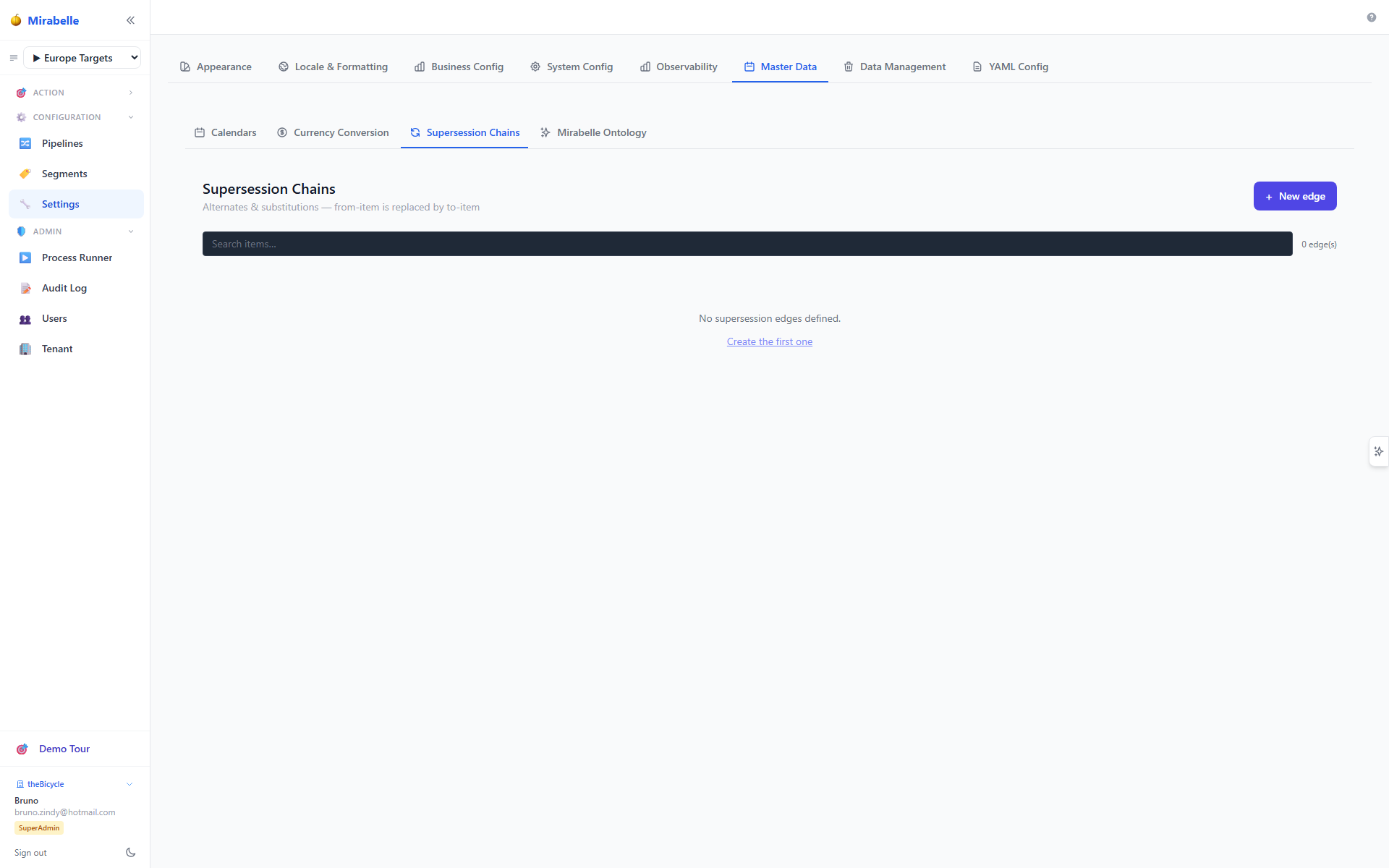
The Supersession Manager defines part interchangeability chains: when an old part is replaced by a newer revision, or when multiple parts can substitute each other. These relationships tell the planning engine that demand for a superseded item can be satisfied by supply of its replacement — ensuring continuity of supply across engineering changes.
What is Supersession?
In supply chain planning, supersession (also called part substitution or part interchangeability) describes a directed relationship where one item replaces another:
- Old part → New part — an engineering change replaces a legacy part with a newer revision (e.g.
P-100→P-100A). - Multi-hop chains — a chain of successive replacements (e.g.
P-100→P-100A→P-100B). The final item in the chain is the latest revision. - Site-scoped substitution — a replacement may apply at a specific site only, or globally across all sites.
Without supersession rules, the planner treats each item independently. Demand for P-100 would generate supply orders for P-100 even if warehouse shelves only hold P-100A. Supersession links bridge that gap.
Core Concepts
Supersession Edges
A supersession relationship is stored as a directed edge:
| Field | Description |
|---|---|
| From item | The item being replaced (the predecessor / old part) |
| To item | The replacement item (the successor / new part) |
| Site scope | Optional. When set, the edge only applies at that site. All sites = global. |
| Effective date | When the replacement takes effect. Blank = immediate. |
| Demand factor | Multiplier applied when rolling demand from the from item to the to item. Default 1.0. Use a factor other than 1 when the replacement part services more/less demand per unit. |
| Stock rollable | If enabled, the on-hand inventory of the from item can be counted toward the to item's supply. |
| Notes | Free-text field for ECO numbers, reason codes, etc. |
Effective Dates & Active Supersessions
An edge is active when:
effective_dateis blank (immediate), oreffective_dateis on or before the reference date (typically today).
Future-dated edges are not yet active. The UI marks them with an amber arrow and a (future) label. The pipeline, supply runner, indirect rollup, and the GET /api/supersession/active endpoint all judge activity against the tenant's planning 'today' via planning_today() — not the server calendar date — so replays and the golden harness agree with the UI (renovated 2026-09-02).
Unidirectional Edges
Supersession edges are unidirectional: from_item → to_item means "the from item is replaced by the to item". The relationship does not imply that the to item can be replaced by the from item. If bidirectional substitution is needed, create two separate edges.
Chain Roles
When you inspect an item within a chain, it falls into one of three roles:
- Top revision — the item has no outgoing edge; it is the current/latest part.
- Intermediate — the item has both incoming and outgoing edges; it replaced something older and has itself been superseded.
- Superseded — the item has an outgoing edge but no incoming edge; it is the oldest part in the chain and is no longer current.
The chain panel in the UI shows a colored badge for each role.
Managing Supersession Chains
Creating an Edge
- Click the + New edge button in the top-right corner.
- Fill in the edge form:
- Replaced item (from) — select the item being superseded.
- Replacing item (to) — select the successor item.
- Site — optionally restrict to a single site, or leave as All sites for a global relationship.
- Effective date — optionally set a future date for the replacement to take effect.
- Demand factor — default
1.0. Set higher if the new part covers more demand per unit, or lower if it covers less. - Roll up stock — enable if on-hand of the old part should count toward the new part's availability.
- Notes — optional free text (ECO number, reason, etc.).
- Click Create.
Self-supersession is not allowed
An item cannot supersede itself. The system will reject edges where from and to are the same item.
Duplicate edges
The natural key is (from_item_id, to_item_id, COALESCE(site_id,0), COALESCE(effective_date, '0001-01-01')) as a unique index on the tenant table (aligned 2026-09-02). A UI/API-created 'global' edge (site blank) and a site-specific edge with the same item pair are treated as different slots.
Viewing the Edge Table
The main table lists all supersession edges with:
- From / To — item XUID and name for both sides of the edge.
- Site scope — the site the edge applies to, or All sites.
- Effective — the effective date, or Immediate if blank. Future dates are highlighted in amber.
- Factor — the demand factor (click to inline-edit).
- Rollable — stock rollable flag (click to toggle).
- Notes — truncated text; hover or edit to see the full value.
- Actions — edit ✏️ and delete 🗑️ buttons.
Use the search bar to filter edges by item XUID, item name, or item ID.
Viewing the Chain for an Item
Click any row in the edge table (or any node in the chain graph) to focus on that item. The chain panel appears on the right, showing:
- A directed graph (SVG) of the full supersession chain, with the focused item highlighted in indigo.
- The item's role badge (Top revision / Intermediate / Superseded).
- A link to the Latest revision if the focused item is not the top of the chain.
- Predecessors — older items that eventually lead to the focused item.
Click any node in the graph to navigate to that item's chain context.
Editing an Edge
Click the ✏️ button on a row to open the edit form. Change any field and click Update.
You can also inline-edit the demand factor by clicking the factor value in the table, and toggle the stock rollable flag by clicking the ✓/— cell.
Deleting an Edge
Click the 🗑️ button on a row. A confirmation dialog appears. Deleting an edge removes the supersession relationship immediately — the planning engine will no longer consider that replacement path.
Admin required
Creating, updating, and deleting supersession edges requires an admin or superadmin role.
How Supersession Affects Planning
Demand Pipeline
When the forecast pipeline runs (run_pipeline), it loads all supersession edges and applies them to demand:
- Active edges — demand for the from item is zeroed out and rolled to the to item, multiplied by the
demand_factor. The successor item absorbs the full historical demand of the predecessor. - Future-dated edges — demand for the from item is zeroed only after the effective date. Demand before the effective date stays on the original item. The to item receives the post-effective-date demand (× factor).
This ensures that forecasting models train on the correct demand history: successor items inherit the relevant portion of their predecessors' demand.
Supply / Allocation Engine
The supply runner loads active supersession edges at runtime and uses them to:
- Block BUY/MAKE routes for superseded items — if an item is globally superseded (no site restriction and the edge is active), its standard replenishment routes are disabled. The engine will not plan new purchase or production orders for a dead part.
- Expand candidate supply — when allocating demand for a superseded item, the engine considers on-hand supply of its successor(s). This is controlled by the
stock_rollableflag:- If
stock_rollable = true, the on-hand inventory of the from item is rolled up into the to item's available supply. - If
stock_rollable = false, the old part's on-hand is excluded and only the new part's own stock counts.
- If
Indirect Demand
Supersession chains also influence indirect (dependent) demand calculations. Superseded items are filtered out of indirect demand roll-ups so that BOM explosions do not generate demand for obsolete parts.
API Reference
| Method | Endpoint | Description | Auth |
|---|---|---|---|
GET |
/api/supersession |
List all supersession edges with item names and site names. | Any authenticated user |
POST |
/api/supersession |
Create a new supersession edge. Body: {from_item_id, to_item_id, site_id?, effective_date?, demand_factor?, stock_rollable?, notes?}. Returns the created edge. |
Admin / Superadmin |
PUT |
/api/supersession/{edge_id} |
Update an existing edge. Same body schema as POST. Returns the updated edge. | Admin / Superadmin |
DELETE |
/api/supersession/{edge_id} |
Delete an edge by ID. Returns 204 on success. | Admin / Superadmin |
GET |
/api/supersession/item/{item_id} |
Return the full supersession chain context for a given item: all connected edges, the item's role (top/middle/replaced), the top (latest) item ID, and lists of predecessors and successors. |
Any authenticated user |
GET |
/api/supersession/active |
Return all edges that are active as of a given date. Query param: ?as_of=YYYY-MM-DD (defaults to the tenant's planning 'today' via planning_today(), never CURRENT_DATE). Used by forecast and supply runners. |
Any authenticated user |
Example: Create an Edge
POST /api/supersession
{
  "from_item_id": 42,
  "to_item_id": 87,
  "site_id": null,
  "effective_date": "2026-07-01",
  "demand_factor": 1.0,
  "stock_rollable": true,
  "notes": "ECO-2049 phase-out"
}
Example: Get Chain Context
GET /api/supersession/item/42

{
  "item_id": 42,
  "role": "replaced",
  "top_item_id": 87,
  "predecessors": [],
  "successors": [87],
  "edges": [
    {
      "id": 1,
      "from_item_id": 42,
      "to_item_id": 87,
      "from_item_xuid": "P-100",
      "to_item_xuid": "P-100A",
      "effective_date": "2026-07-01",
      "demand_factor": 1.0,
      "stock_rollable": true,
      "notes": "ECO-2049 phase-out"
    }
  ]
}